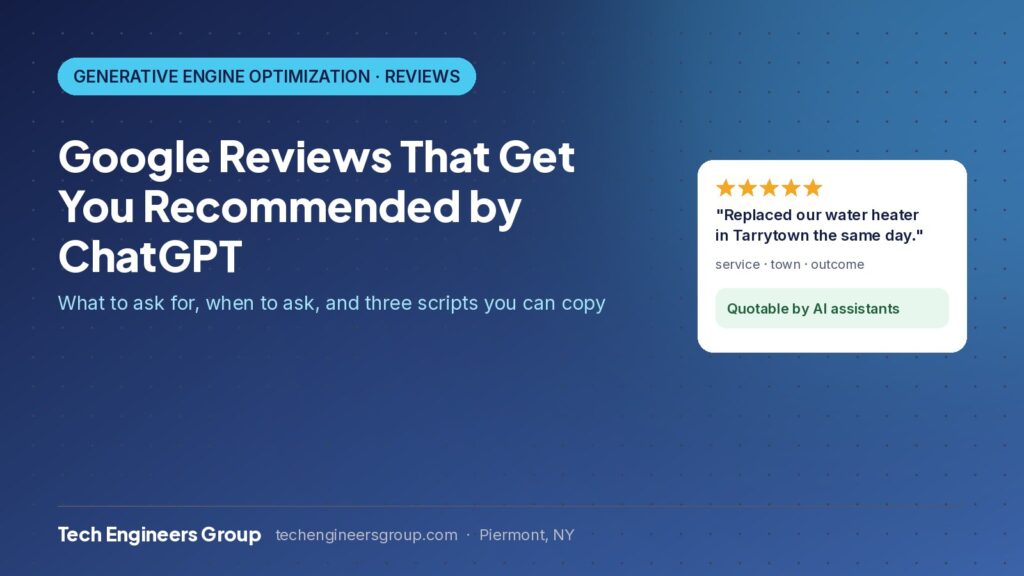
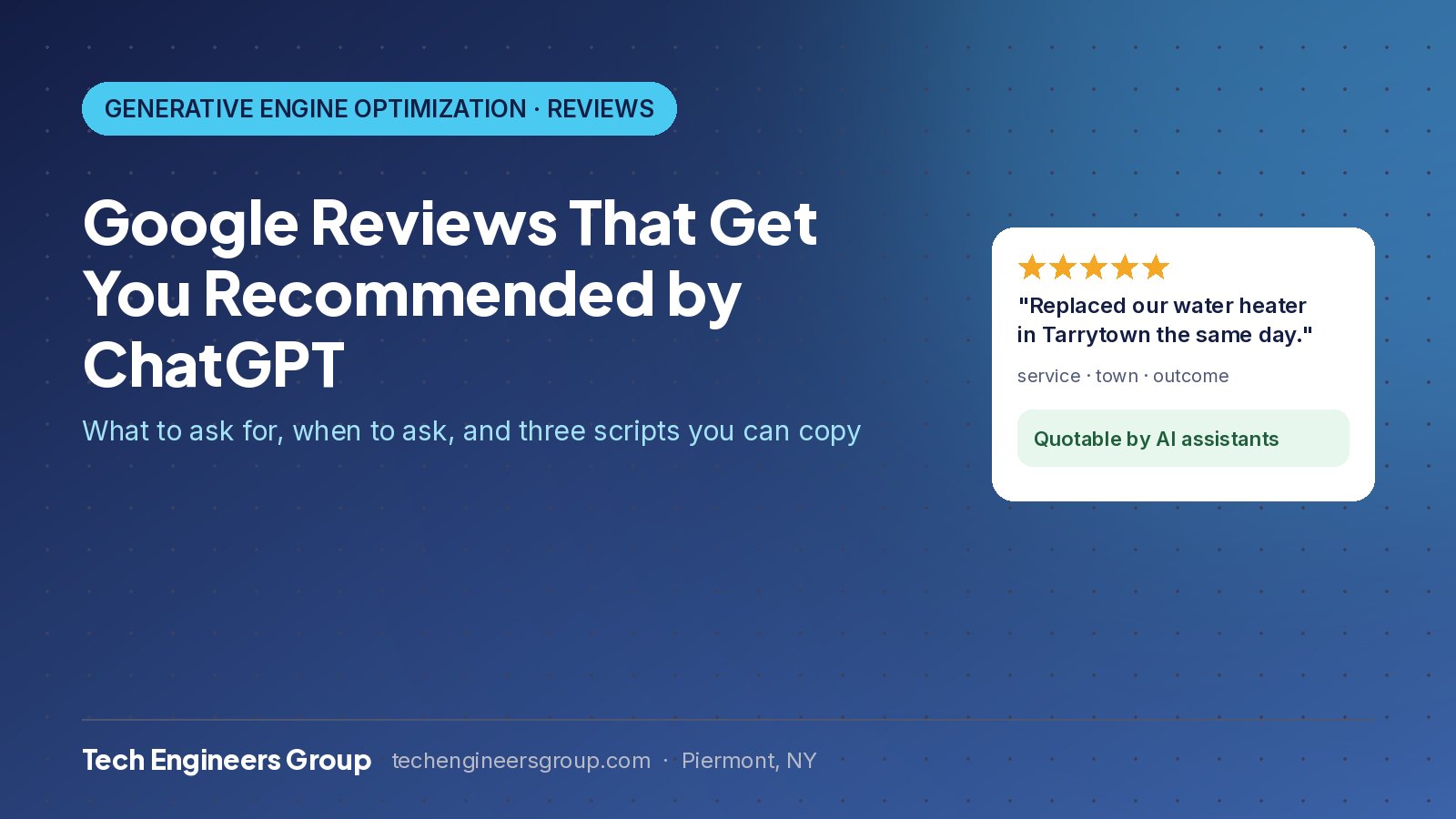
A Google review that says “great job, highly recommend” raises your star rating and does almost nothing else. A review that says “replaced our water heater in Tarrytown the same day” is the kind of sentence ChatGPT, Gemini and Google AI quote when they decide which business to recommend. This guide explains what a useful review contains, how to ask for one without being awkward or breaking Google’s rules, three scripts you can copy, and how to reply so your replies work for you too.
Key takeaways
- AI assistants extract three things from a review: the service, the location and the outcome. A review with all three is a data point; a review with none is a star.
- Ask in person at the end of the job, then send the link the same day with a two-line message that mentions the job and the town.
- Never offer discounts or gifts for reviews and never filter who you ask. Both break Google’s policy, and unnatural review patterns are easy to detect.
- Reply to every review and restate the service and the town in your own words; the model reads replies too.
- Count once a month how many of your last 20 reviews mention a service, a town and an outcome. Aim for three in five.
How AI reads a review
When an assistant explains a recommendation (“known for fast emergency repairs in New Rochelle”), that phrase came from somewhere, usually a review or a reply to one. Before answering a question like “who is the best plumber in Yonkers,” the model runs a live search, reads your Google Business Profile and the reviews on it, and looks for explicit, quotable statements about what you do, where and how well. Star ratings tell it that people like you. The words tell it why, for what and where, and those are the facts it needs before it will name you. For the bigger picture, read What is GEO?
What a strong review contains
- The specific job: “replaced our main electrical panel,” not “did some work.”
- The town or neighborhood: “at our house in Scarsdale.”
- A concrete outcome or trait: “done in one day, left the garage cleaner than they found it.”
- Optionally, the situation: “after two other companies no-showed.”
You cannot write reviews for customers and you should never try. What you can do is make it easy and natural for them to include these details.
When to ask
The best moment is the end of the job, while the details are fresh and the customer is standing in front of you. The second-best moment is the same day by text or email. A week later the memory is vaguer and the review gets shorter. Asking a month later in a batch email produces “great company” and little else.
How to ask without scripting the customer
- Ask in person at the end of the job. One sentence, no pressure.
- Send the direct review link the same day with a short message that mentions the job and the town. That is what nudges the customer to mention them too.
- Make the ask about helping other homeowners, not about your rating.
- Follow up once, a week later, then stop.
Three scripts you can copy
In person, at the end of the job
“Glad that went well. If you have a minute later, a quick Google review really helps other people in [town] find us. Mentioning what we did is the most useful part. I’ll text you the link.”
Same-day text or email
“Hi [first name], thanks again for having us out for the [job] in [town] today. If you have a minute, a short Google review mentioning what we did would really help other homeowners find us: [review link]. Thanks, [your name]”
One-week follow-up (once, then stop)
“Hi [first name], hope the [job] is holding up well. No pressure at all, but if you’re able to leave a quick Google review about the work in [town], it makes a real difference to a small business like ours: [review link]. Either way, thank you.”
To get your direct review link: open your Business Profile on Google, choose “Ask for reviews,” and copy the short link. Put it in your email signature and on the invoice.
Review link, request templates, reply routine and monthly tracking, done for you. Tell us what you need and we reply with a fixed quote within one business day.
Replying is half the work
Your reply is also text the model reads. Use it to confirm the facts the customer left out: “Thanks, Maria. Glad the furnace install in White Plains went smoothly and the same-day timing worked.” One sentence anchors the service, the town and the outcome in your own words, even if the review itself just said “great job.” Reply to every review, including the short ones, within a few days. HVAC companies can see the full playbook in GEO for HVAC companies, and our guide on how to get more customers shows where reviews fit with everything else.
Handling a negative review
A calm, factual reply usually helps more than the review hurts. State what happened, what you did about it, and stop. The model is looking for a trustworthy business, not a perfect one, and a thoughtful response to criticism reads as trustworthy. Never argue, never name the customer’s details, and never ask them to remove it in public.
What breaks Google’s rules
- Offering a discount, gift or entry into a draw for a review.
- Asking only customers you know were happy (“review gating”).
- Writing reviews yourself, or having staff or family write them.
- Buying reviews or using a service that promises them.
- Posting the same review text across customers.
All of these can get reviews removed or the profile suspended, and the first two are also easy for AI systems to detect as unnatural patterns.
A five-minute monthly check
Once a month, read your last 20 reviews and count how many mention a service, a town and an outcome. If fewer than half do, adjust the ask: usually that means the text message is going out too late or without the job and town in it. In our experience, moving that ratio from one in five to three in five is one of the fastest ways to change which prompts a business gets recommended for. Then run the free AI visibility check to see how the rest of your signals score.
Where reviews fit in the bigger picture
Reviews are one of the ten signals AI assistants use; the others are your Google Business Profile, consistent business details, service and town pages, FAQs, schema markup and third-party mentions. Our GEO services cover all ten, with monthly tracking of which prompts name you. If you are in Westchester, see GEO in Westchester; for your trade, the industries hub has specifics for HVAC, plumbers, electricians, dentists, landscapers and auto shops.
Frequently asked questions
Is it allowed to ask customers to mention the service and town?
Yes. You can tell a customer what would be helpful to other people reading the review. You cannot write it for them, offer anything in return, or choose who gets asked based on how happy they seemed.
Do reviews on Yelp, Facebook or Angi count for AI search too?
Yes. AI assistants read several sources and look for agreement between them. Google is the priority because Google’s own AI Mode and most assistants read it first, but consistent reviews across platforms add confidence.
How many Google reviews does a local business need?
There is no fixed number, but recency matters more than volume. A steady trickle of a few specific reviews a month does more for AI visibility than a large count that stopped growing a year ago.
Should I reply to every review, even the short ones?
Yes. The reply is text the assistant reads, and it is your chance to add the service and town the customer left out. Keep it to one or two sentences and reply within a few days.
What if a customer leaves a review that mentions a competitor?
Leave it alone. Honest comparisons in a customer’s own words are a strong trust signal, and editing or disputing them looks worse than the comparison itself.