AI tools like Lovable, Bolt, Cursor and Replit can turn an idea into a working app in a weekend. But most vibe-coded apps hit a wall at about 80%: every fix breaks something else, it works in preview but not live, logins fail, and nobody is sure it’s secure. This guide explains why AI-built apps break, how to fix the common problems yourself, and when it’s worth bringing in an engineer.
Key takeaways
- AI tools are excellent at the first 80% of an app and weakest at the last 20%: deployment, authentication, data, security and payments.
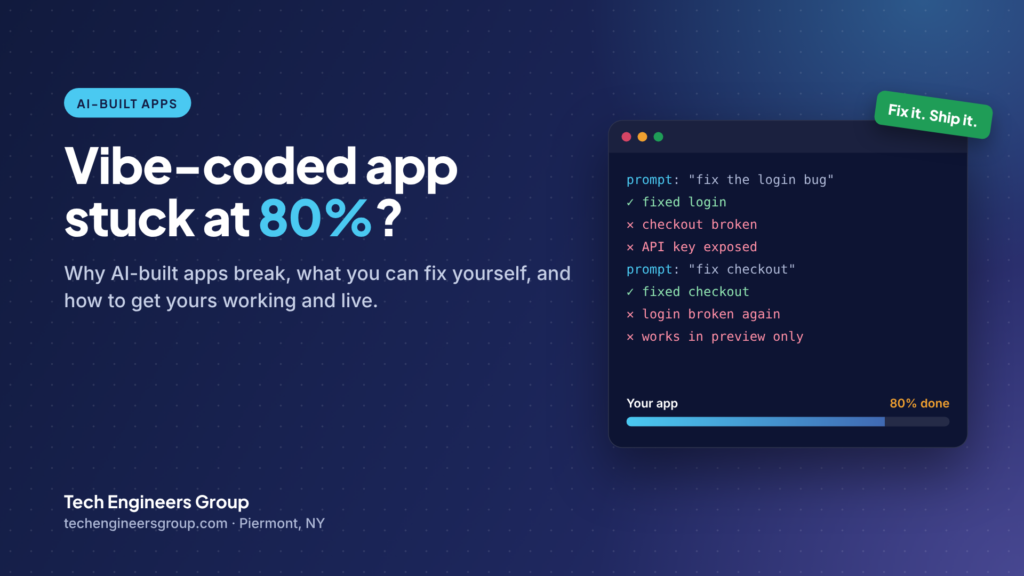
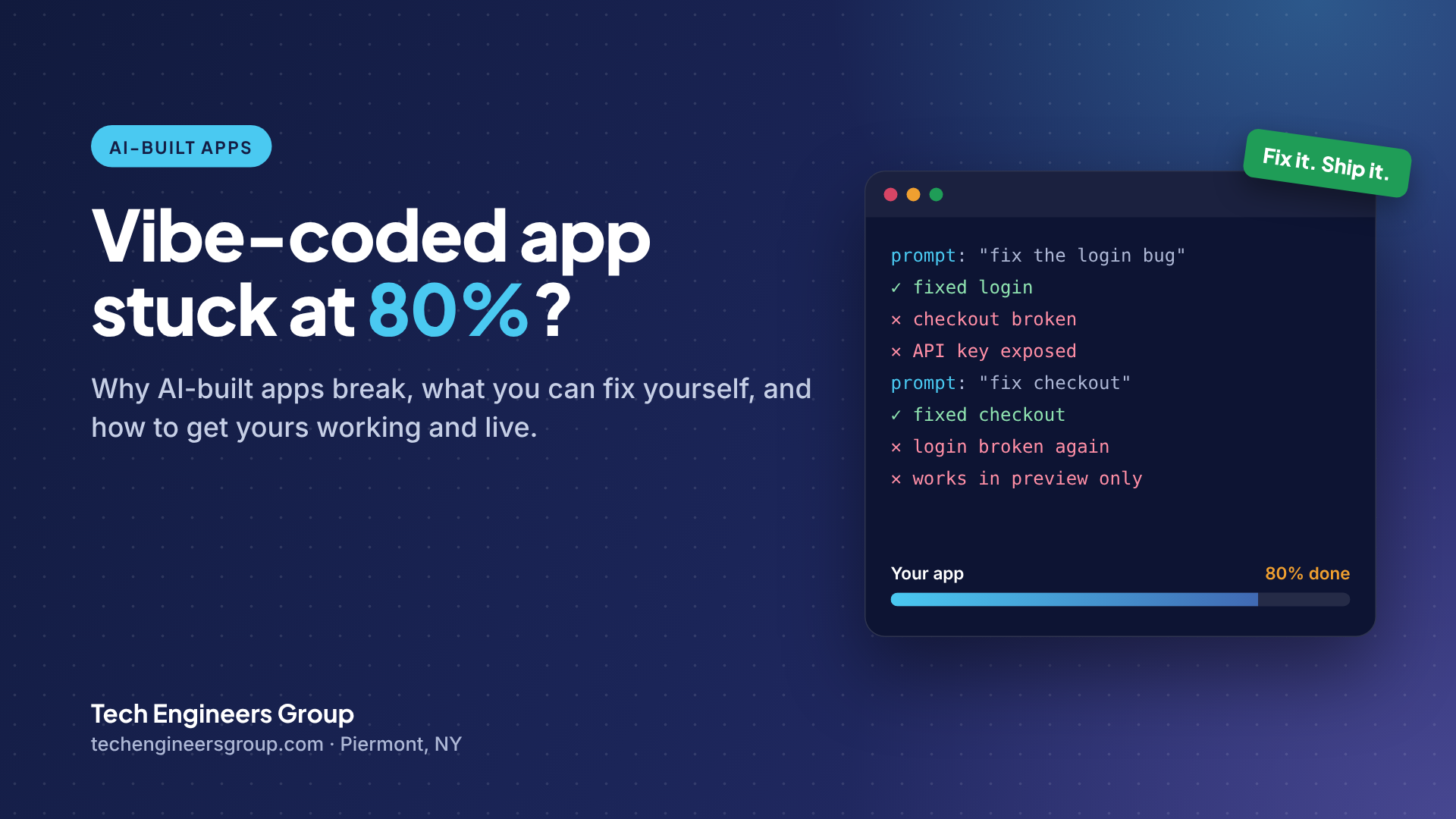
- The “fix loop” happens because the AI doesn’t remember why earlier code was written, so each fix rewrites working code.
- Before starting over, roll back to the last working version, get the code into GitHub, check where your API keys live and change one thing at a time.
- Bring in an engineer before you take payments, store customer data or hand the app to a team.
What is a vibe-coded app?
Vibe coding means building software by describing what you want to an AI tool in plain English and accepting the code it writes. Tools like Lovable, Bolt.new, Replit, v0 and Base44 generate whole apps; Cursor, Windsurf and Claude help write code inside a project. For prototypes, internal tools and MVPs, it’s a genuine shortcut.
The catch is that AI writes code that looks right and runs in a demo, but it doesn’t plan the structure of a real product. That gap shows up the moment real users, real data or real money arrive.
Why vibe-coded apps break: the 7 most common problems
1. The fix loop
You ask the AI to fix a bug. It fixes it, and something that worked yesterday breaks. The model doesn’t remember why earlier decisions were made, so it rewrites working code around each new request. After a few rounds the app is a patchwork of half-fixes.
2. It works in preview but not when deployed
The builder’s preview hides a lot. On a real host you need environment variables, correct build settings, a custom domain, SSL, and server functions that behave the same in production. This is the single most common place AI-built apps stall.
3. Logins and user accounts
Authentication looks simple and isn’t. Password reset emails that never arrive, users who can see each other’s data, and sessions that log people out at random are all common in AI-generated auth code.
4. A messy database
AI tends to add tables and columns as it goes. In Supabase or Firebase that often means duplicated data, missing relationships and access rules that are either too open or so strict nothing works.
5. Security holes nobody noticed
This is the one to take most seriously. Typical findings are API keys sitting in front-end code, database rules switched off, and admin pages anyone can open if they guess the URL. The app works, so nobody looks.
6. Payments and integrations
Stripe, email, SMS and calendar integrations need webhooks, retries and error handling. A demo that takes one test payment isn’t the same as a checkout that handles failed cards, refunds and duplicate events.
7. Slow pages and broken mobile layouts
AI-generated pages often load everything at once, ship huge images and only look right on a laptop. Real users are mostly on phones.
How to fix a vibe-coded app yourself
Most stuck projects don’t need a rewrite. Try this first:
- Stop prompting in circles. If three prompts in a row haven’t fixed it, more prompts usually make it worse.
- Roll back to the last version that worked and write down exactly what changed after it.
- Get the code into GitHub. Lovable, Bolt and Replit can all export or sync to GitHub. Version history is your safety net.
- Check where your secret keys live. If an API key is in front-end code, rotate it today and move it to a server-side environment variable.
- Turn database access rules on (row-level security in Supabase, security rules in Firebase) and test with a normal user account, not an admin.
- Make one change at a time and test it on a phone as well as a laptop.
- Write a short list of what the app must do. It keeps you, the AI and any engineer focused on the same goal.
Send us your app link and what’s broken. An engineer reviews it for free and sends a fixed quote within one business day.
When to bring in an engineer
It’s usually time when:
- The same bug keeps coming back after “fixes”
- You’re about to take payments or store customer data
- It works for you but breaks for real users
- You’ve spent more time fixing than building for two weeks or more
- You need to hand the app to a team or an investor and can’t explain how it works
What an engineer does differently
An engineer doesn’t keep prompting. They read the code, find the root cause and fix it once, then add the structure that stops it coming back: version control, tests on the parts that matter, proper environments and a security review. The goal isn’t to replace AI tools, it’s to give them a clean foundation so they keep working for you.
At Tech Engineers Group, our engineers fix vibe-coded apps built with Lovable, Bolt, Cursor, Replit, v0 and Base44: review, stabilize, secure, ship, and hand the clean code back in your GitHub. We work with founders and businesses across New York and remotely across the US, and we also build custom cloud software and mobile apps.
Frequently asked questions
Why does my Lovable or Bolt app work in preview but not when deployed?
Usually because of missing environment variables, different build settings, server functions that behave differently in production, or database access rules that block real users. The preview environment hides these differences.
Should I start my vibe-coded app over from scratch?
Rarely. Most AI-built apps have a usable core. It is usually faster and cheaper to fix the parts that keep breaking than to rebuild everything.
Is it safe to launch an app built with AI?
It can be, after a security review. The most common problems are API keys in front-end code, Supabase or Firebase rules that are switched off, and admin pages without proper access checks.
How long does it take to fix a vibe-coded app?
Small fixes can take days; apps with deeper problems in logins, data or payments take a few weeks. A review first tells you exactly what’s involved before you commit.
Can I keep building with AI after an engineer fixes it?
Yes. Once the code is clean, in version control and documented, AI tools work much better on it, because they have a solid structure to follow.